


Website Version Update
To update your website version for old buyers, please follow these steps:
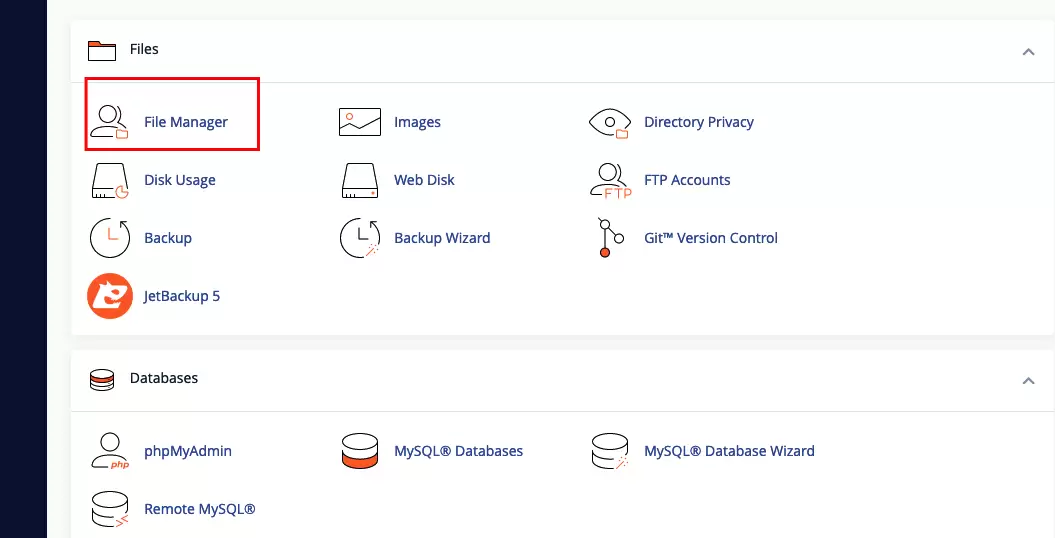
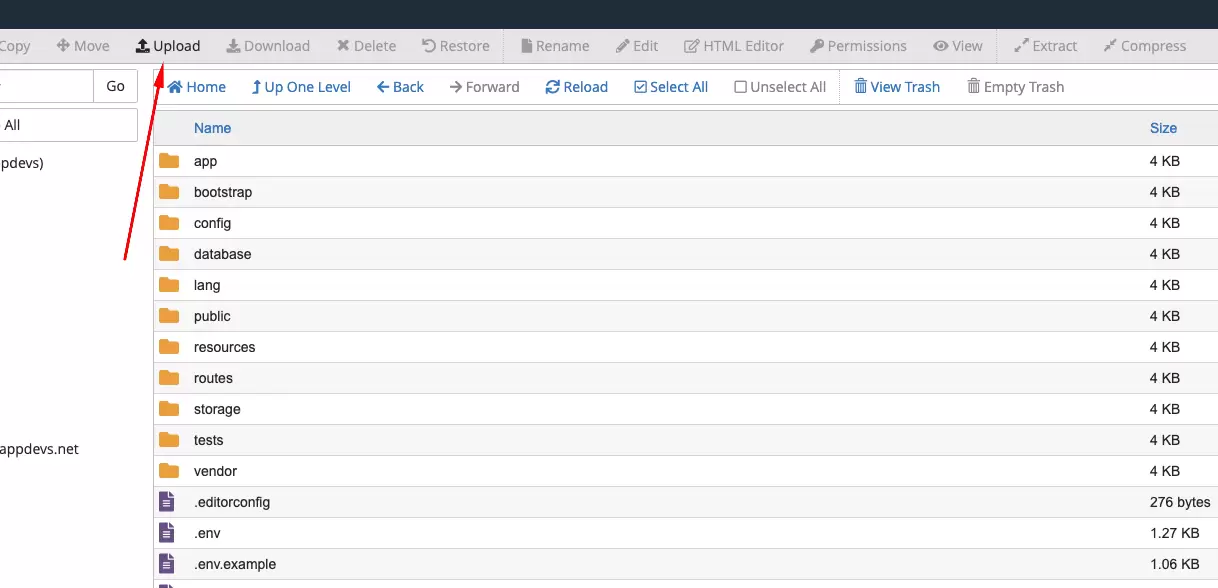
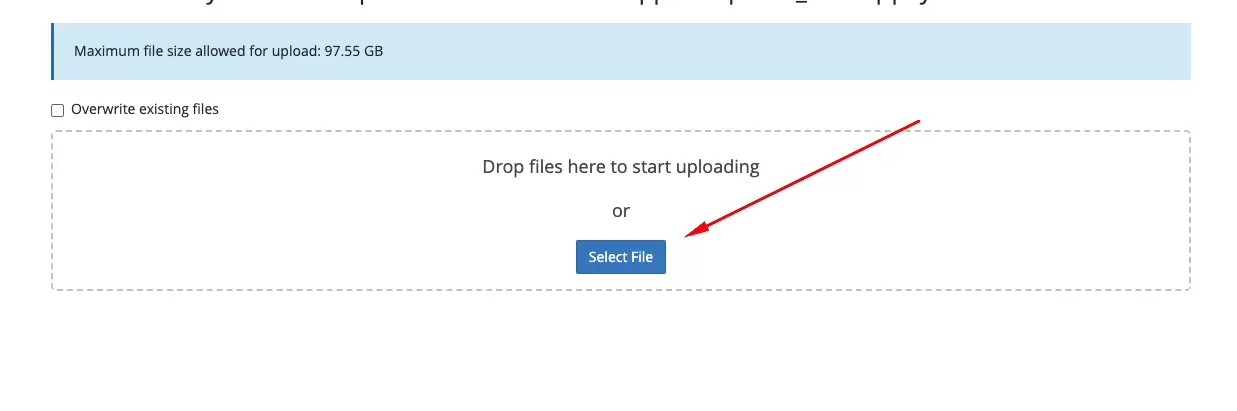
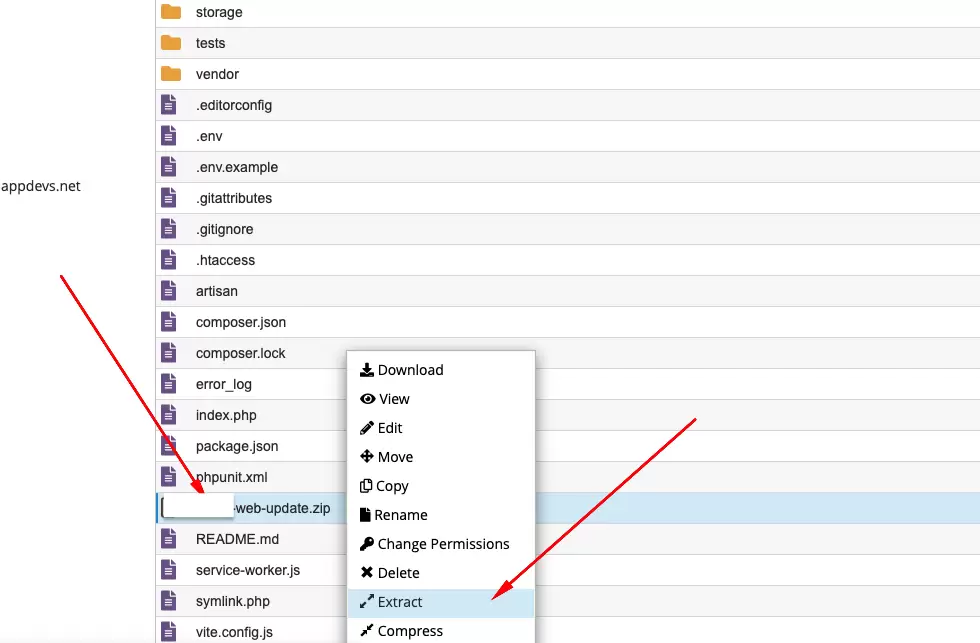
- Step 1: Upload and Extract Update Files
- Re-download the updated code from CodeCanyon.
- Upload the
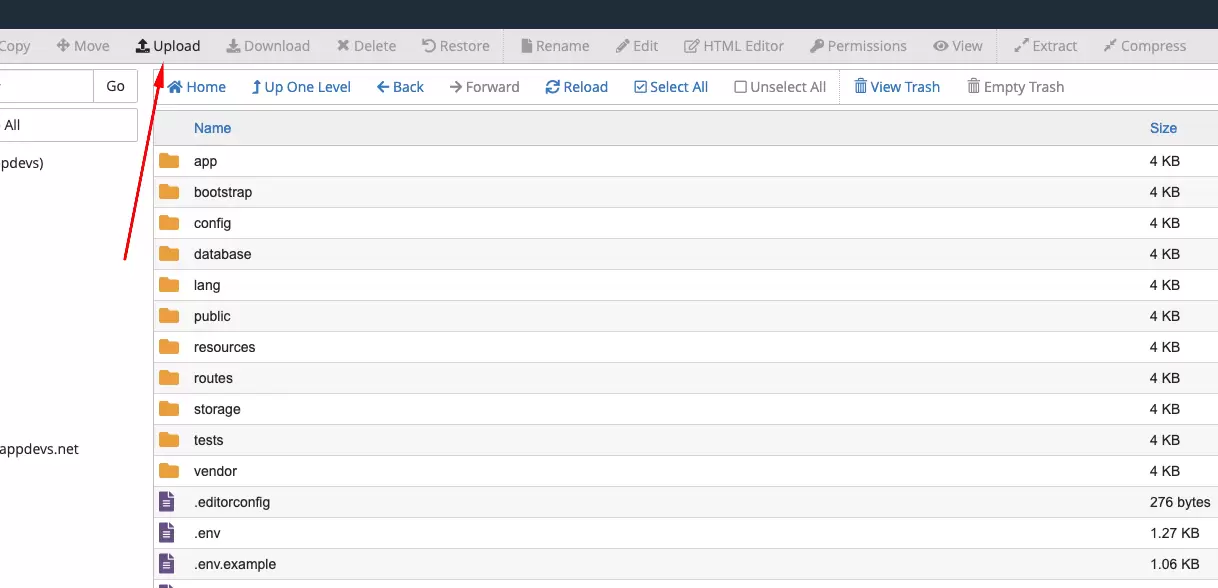
[project name]-web-update-file-[version-to-version]files to your server in the expected directory. - Extract the zip file inside the
public_htmlpath.
/path/to/your/project with the actual path to your project directory.Conclusion: By following these steps and executing the provided commands, you can successfully update your website version for old buyers. Remember to configure the update files properly before executing the commands to ensure they work as intended. If you encounter any issues, double-check your configurations and seek assistance if needed.